Operator tools • AV workflows • Field-tested systems
Tools for the person everyone looks at when the room gets weird.
CueForge builds practical software, checklists, and show docs for AV techs, event operators, and working teams who need fewer loose ends, cleaner handoffs, and less last-minute chaos.
Built from field work
Agent-assisted QA
Gumroad delivery
Live products
Flagship: ShowDrop
Weekly Product Polish QA
Built for real operators
Flagship software
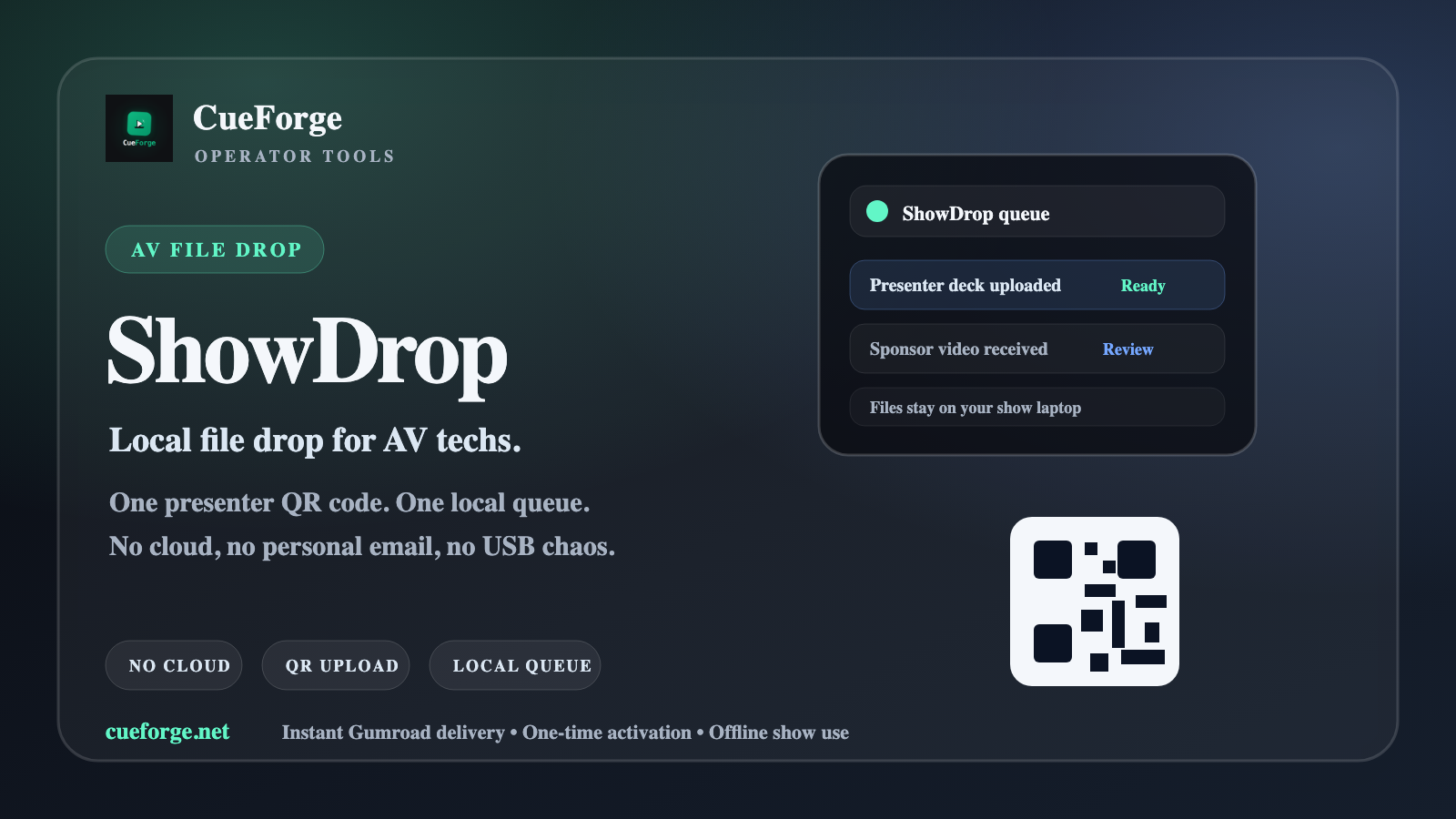
ShowDrop keeps presenter files out of your personal email.
Run ShowDrop on the tech laptop, show presenters one local QR code, and collect files in a clean queue. It is built for breakout rooms, churches, corporate events, and any show where someone finds a new deck five minutes before doors.
- One local upload page for presenters on the same network
- Tech-table queue with names, room/session notes, and file status
- No cloud account, no USB handoff chain, no personal inbox mess
- One-time Gumroad activation; offline show use after activation
$19.99 · 1.1.0-preview.3 · Mac (signed + notarized) + Windows (verified publisher)
ShowDrop 1.1.0-preview.3 ships as installable Mac + Windows desktop apps. Mac builds are Developer ID signed and Apple notarized (separate Apple Silicon and Intel). Windows is verified publisher signed (Michael Antcliff). Quick Start + checksums are in the download; requires macOS 13+ (documented testing on Windows 11 x64).
ShowDrop queue
Keynote_Final_v7.pdfReady
Breakout_B2_slides.pptxNew
Walk-in_music.wavReview
Presenter devices must be on the same WiFi/LAN as the ShowDrop computer. Venue networks vary; use a private event router when needed.
Start here
The AV/operator ladder.
A simple path from free field checklist to paid show-doc systems to the flagship local file-drop app.
Free front door
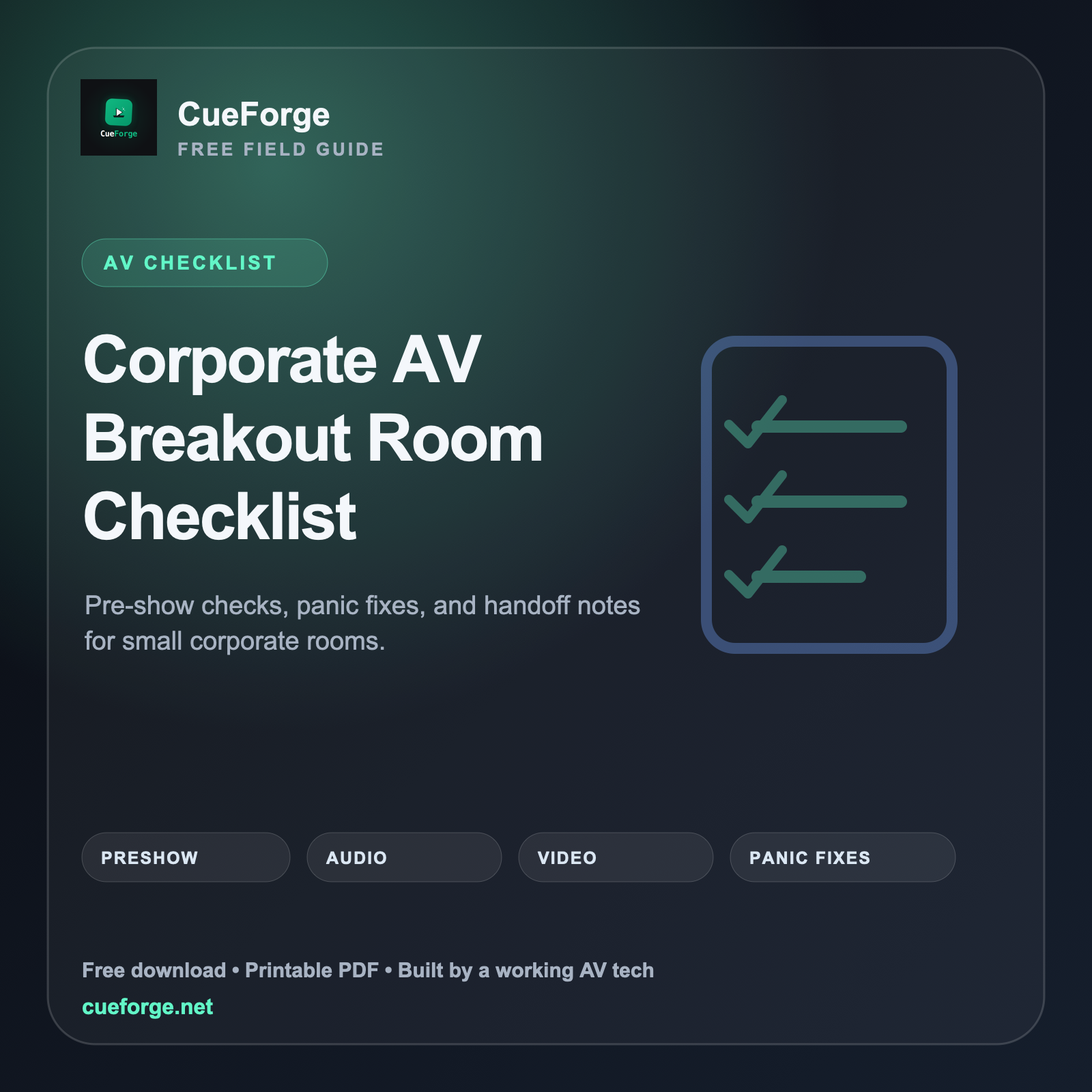
Breakout Room Panic Sheet
A free one-page room rescue checklist for no audio, no display, weird hybrid routing, presenter handoffs, and the quick checks that keep a lead tech from getting dragged into every room.
Free/PWYW is intentional. It is the front door for the AV tool stack.
Flagship software
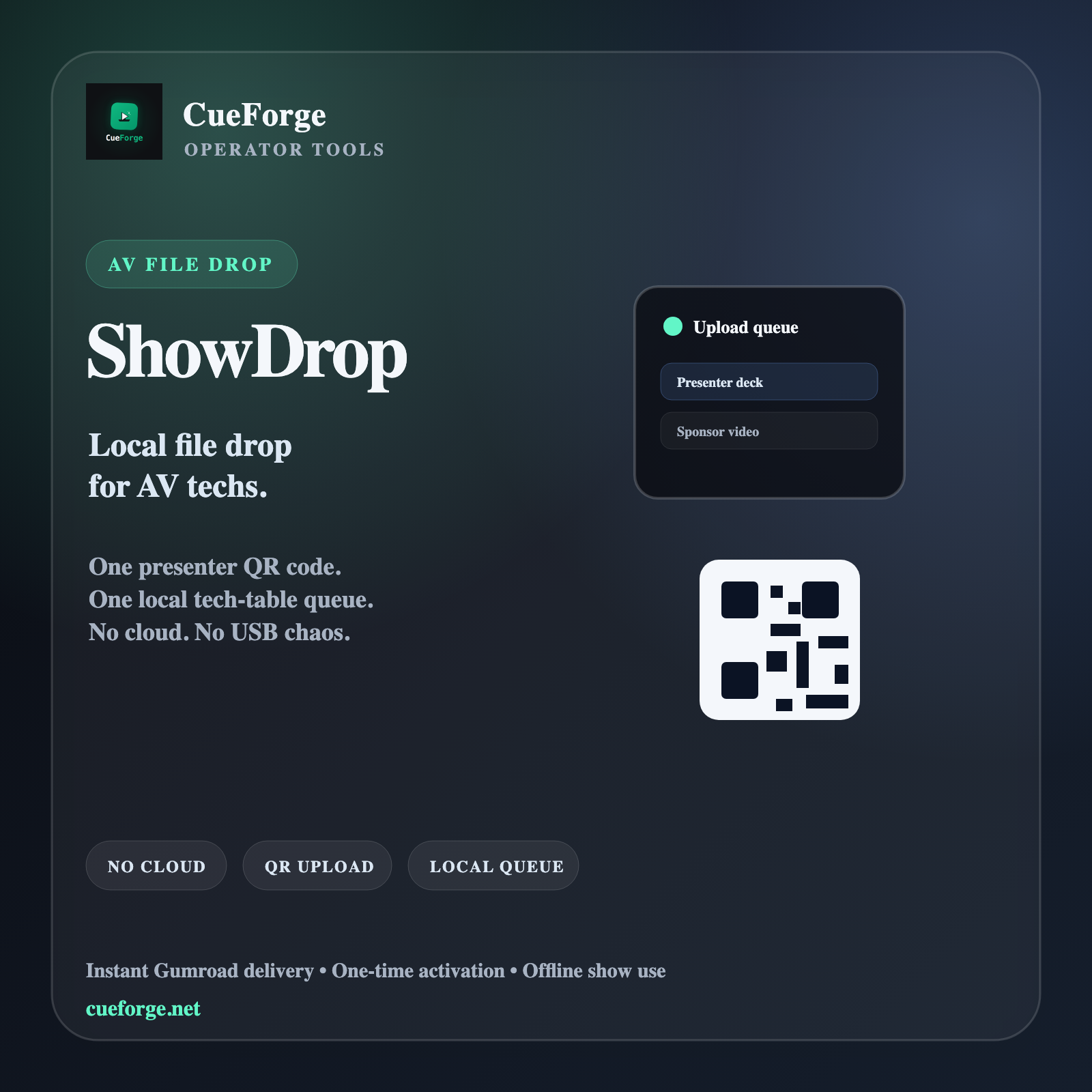
ShowDrop — Local File Drop for AV Techs
Give presenters one QR code or local room-code URL, then collect files in a clean tech-table queue. No cloud, no personal email, no USB chaos.
ShowDrop 1.1.0-preview.3 ships as installable Mac + Windows desktop apps. Mac builds are Developer ID signed and Apple notarized (separate Apple Silicon and Intel). Windows is verified publisher signed (Michael Antcliff). Quick Start + checksums are in the download; requires macOS 13+ (documented testing on Windows 11 x64).
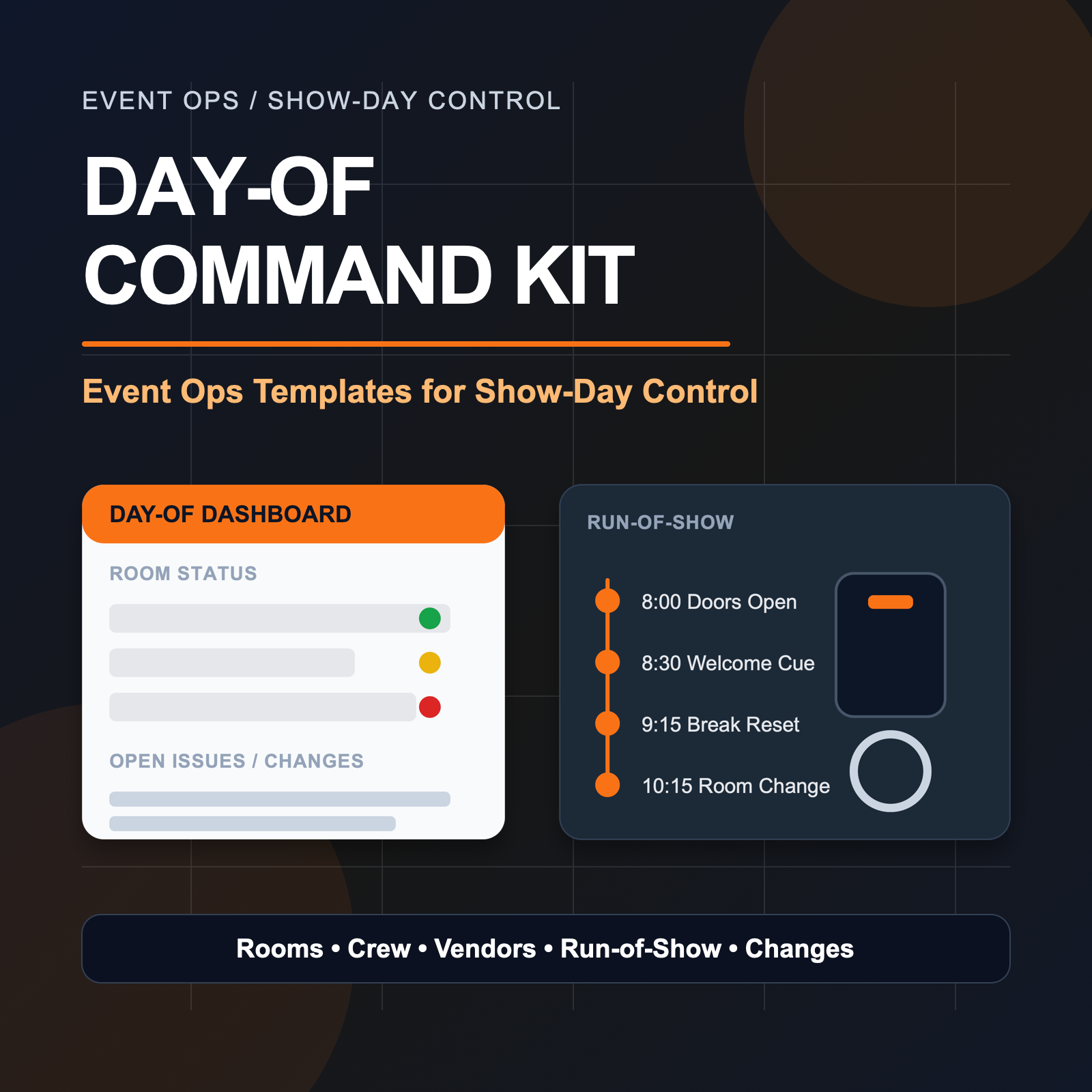
Show-day control
Day-Of Command Kit — Keep the Show From Living in Your Head
Show-day control surface for rooms, vendors, changes, and handoffs while the show is live.
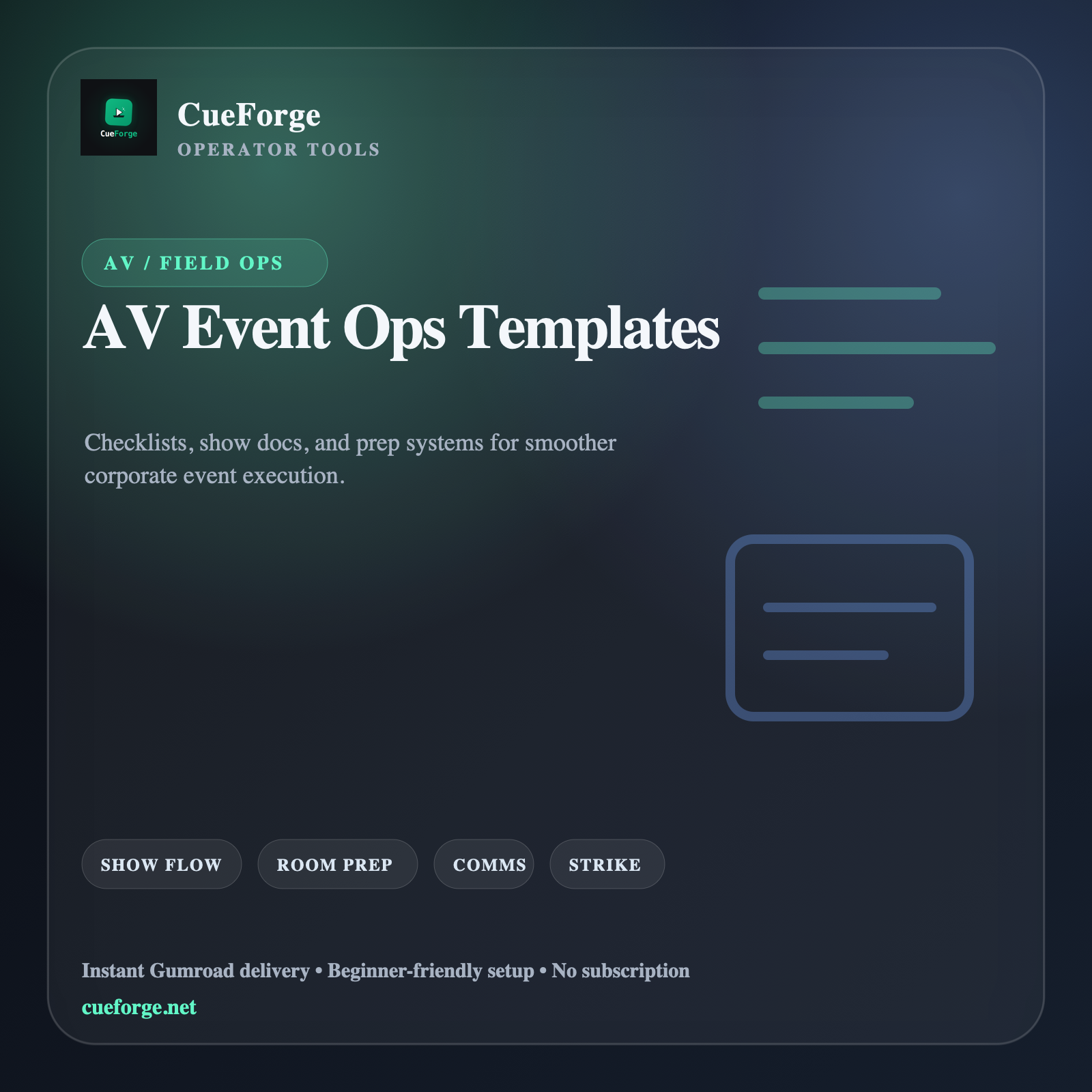
Show docs
AV Event Ops Templates Bundle — Show Docs for Real Event Chaos
Reusable show-doc library for run-of-show, patching, cues, troubleshooting, and client handoff.
How CueForge works
Field reality plus agent-assisted polish.
CueForge is built from Mike’s real technician/operator work: the moments where the room is live, the client is waiting, and the workflow either holds or falls apart.
Atlas and the agent crew handle the other side: positioning, launch systems, QA, page polish, product monitoring, and making sure public-facing details do not quietly rot after launch.
The standard is simple: if a tool does not make the job cleaner, faster, or less chaotic, it does not belong at the top of the stack.
Built from real work.Products start with field friction, not generic digital-product trends.
Checked after launch.Product Polish QA watches pages, pricing, copy, assets, and stale test artifacts.
Buy once, use fast.Gumroad delivery, practical setup, and no subscription treadmill unless the product truly needs one.
Quick answers
What buyers usually want to know.
Where do purchases happen?
Checkout runs through Gumroad, so the site stays simple while Gumroad handles payments and delivery.
What is CueForge focused on right now?
ShowDrop and the AV/operator tool stack: the free Panic Sheet, AV Event Ops Templates, Day-Of Command Kit, and ShowDrop.
Are these tools beginner-friendly?
Yes. CueForge products are designed to be practical quickly, with enough structure for experienced operators to customize.